.svg)
Duplicate a Driftrock capture
How to save time by duplicating and editing your Driftrock captures
Why should I duplicate a Driftrock capture?
With Driftrock you can duplicate existing captures, allowing you to edit information such as the affiliate or lead form associated with the capture, whilst copying over your mapping and automation details. This helps you save time when it comes to capture creation, and make sure all your key settings are consistent across captures.
How to duplicate a Driftrock capture
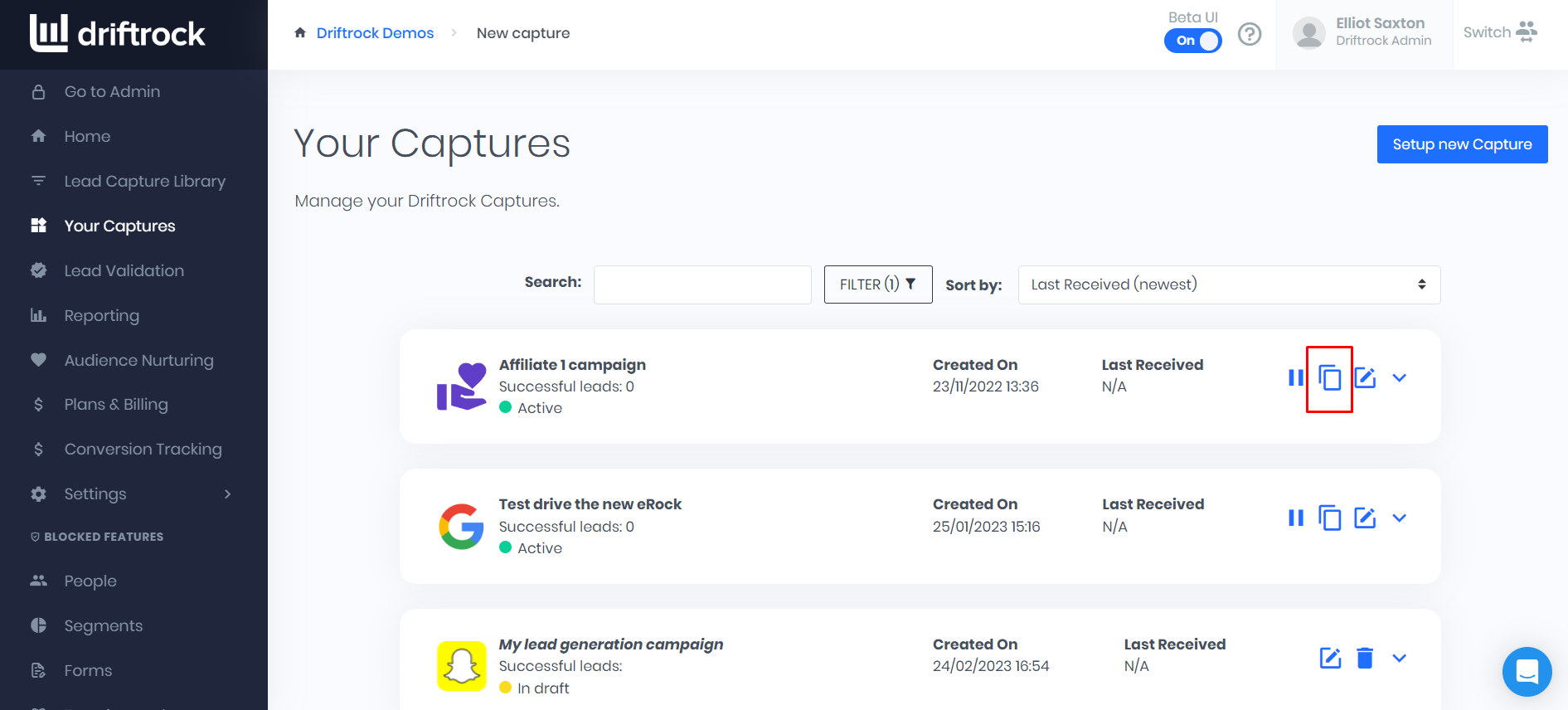
Step 1) Navigate to 'Your Captures' in the Driftrock dashboard

Step 2) Select the 'Duplicate' button on the capture you want to copy
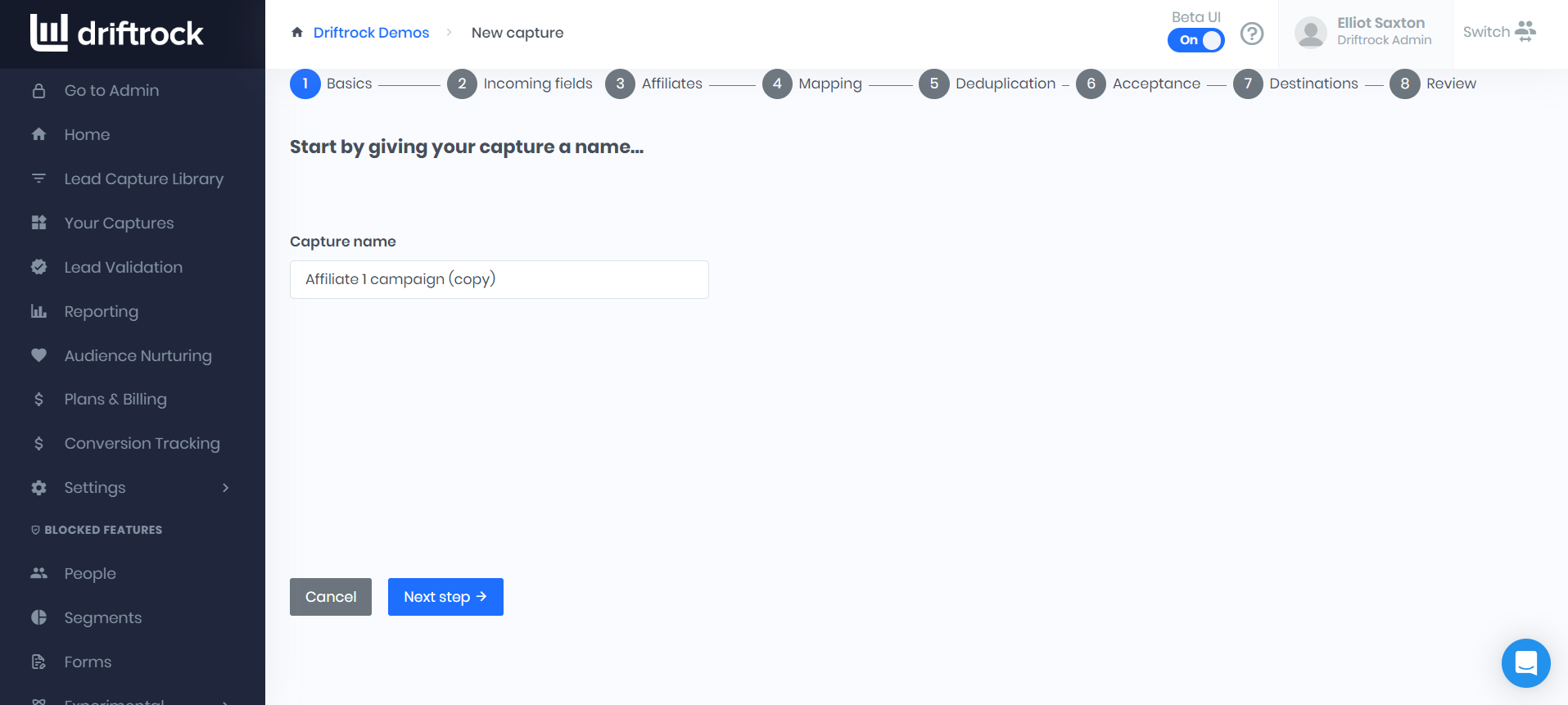
Step 3) Change the name of your capture, and follow the capture creation wizard to edit your capture setup, such as the attached lead form or affiliate partner