
.svg)
Driftrock Lead Types
Lead types help standardise data collection, and reduce capture setup errors
What are Lead Types?
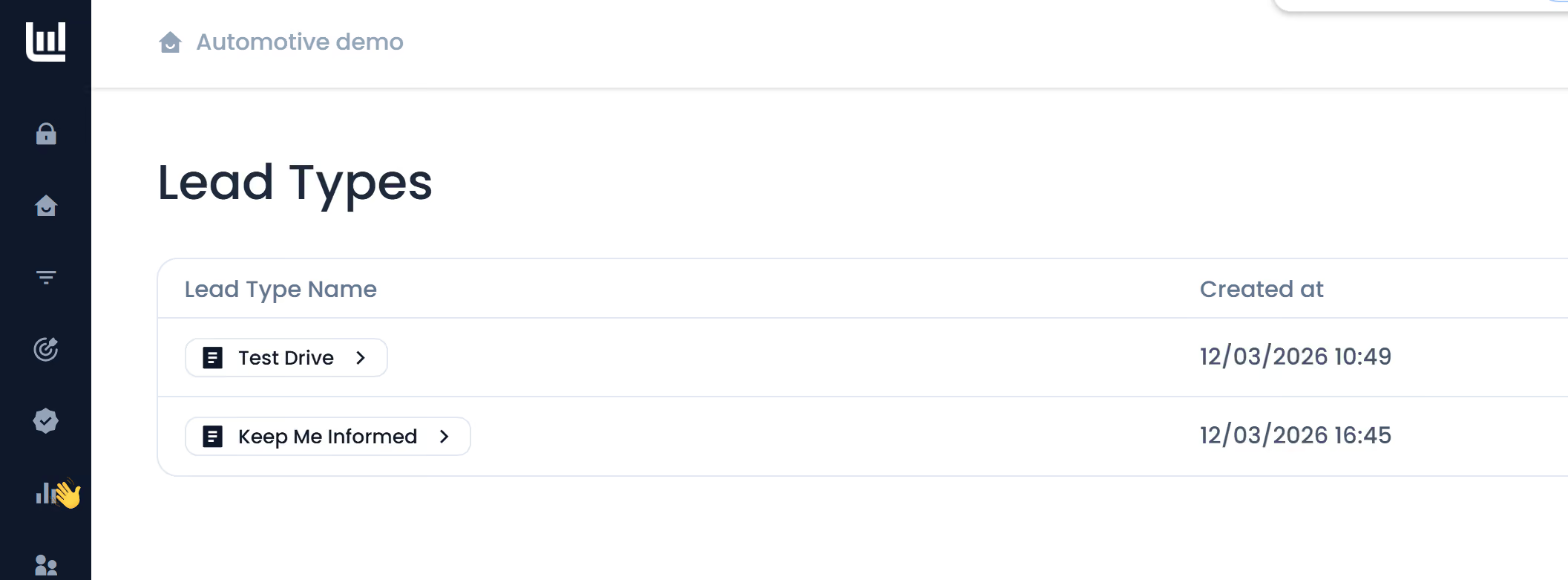
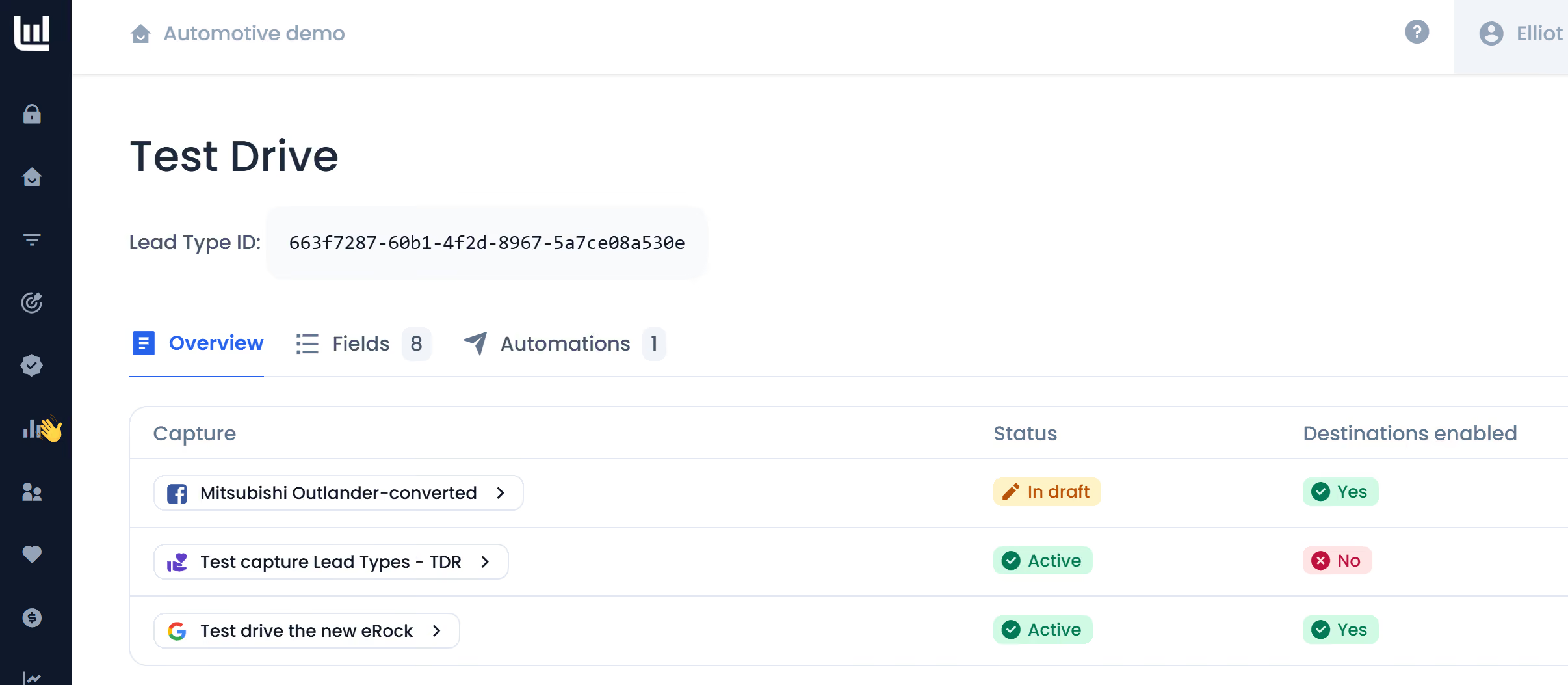
Lead Types are a foundational setting in Driftrock that allow teams to standardise data collection across all lead generation channels. By defining a "Lead Type" such as a Test Drive, KMI (Keep Me Informed), or Service Enquiry once in your global settings, Driftrock automatically applies required fields, validation rules, and CRM automations to any Capture using that specific type. This moves the complexity out of individual campaigns and into a centralised "Source of Truth".
What are the use cases and how it can help?
Lead Types help eliminate human error and manual repetition while unlocking more accurate reporting. Key use cases and benefits include:
- Automotive Multi-CTA Standardisation: You can set different requirements for high-intent leads (e.g., requiring a Postcode for a Test Drive) versus low-intent leads (e.g., Email only for Keep Me Informed).
- Global Brand Consistency: Ensure that inquiries across dozens of different dealer captures all use the exact same field mapping and automation logic.
- Downstream Analysis: Group all "Used Car" leads into a single dashboard to compare performance across Meta, Google, TikTok, and other channels.
- Reduced Setup Time: Launch new lead sources in seconds, confident that the data is perfectly formatted and routed according to your global standards.
- Real-time Guardrails: Driftrock acts as a "Guardian," flagging errors in real-time if a capture setup does not meet the mandatory standards defined in the Lead Type.
Setup process
Setting up Lead Types involves a few simple steps in your account settings:
- Navigate to Settings: Go to the Lead Types section in your Driftrock account.
- Create New Type: Click "Create New Lead Type" and assign a name, such as Test Drive Request.
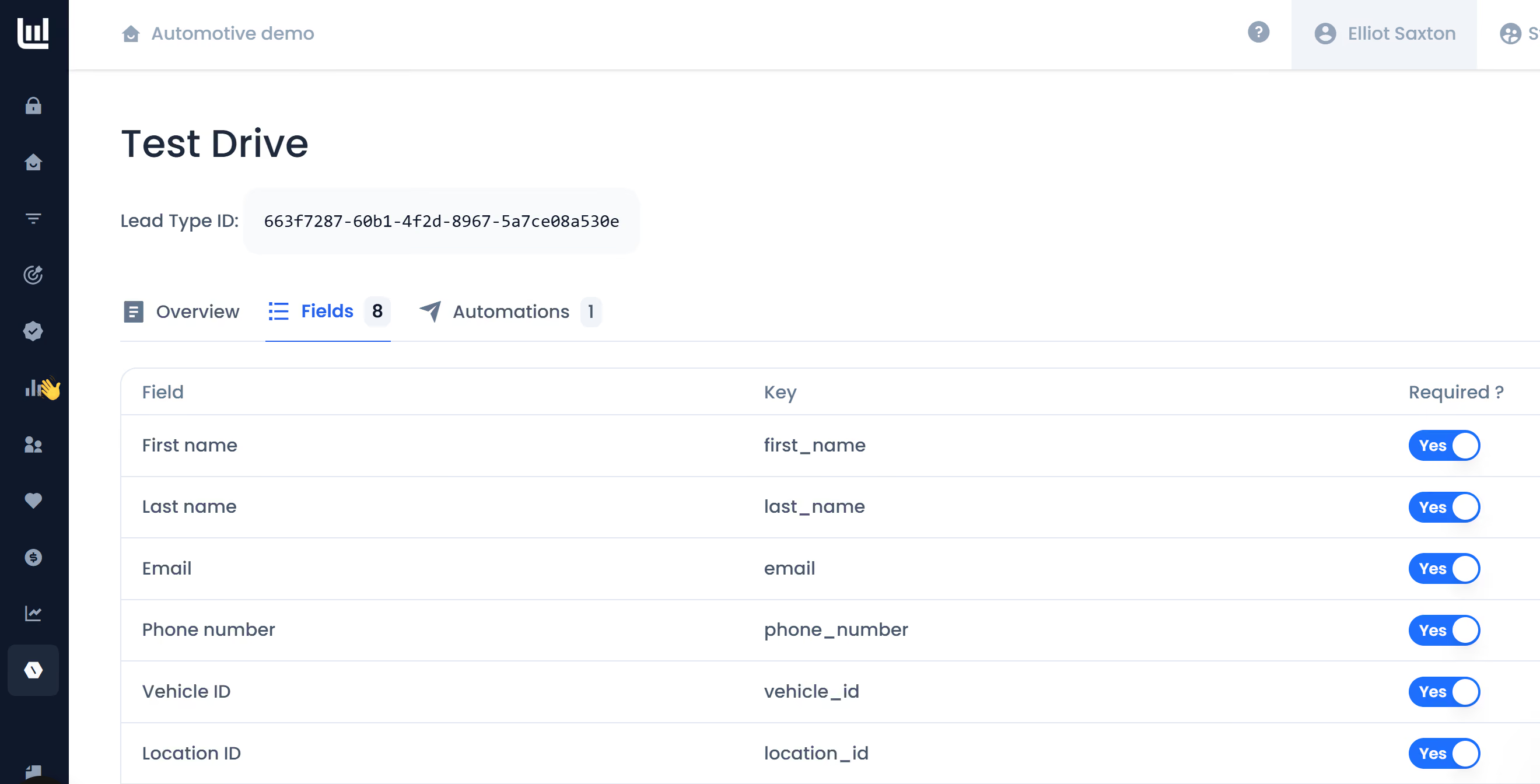
- Define Fields: Add the specific fields required for this type and set rules for whether they are Required or Optional.
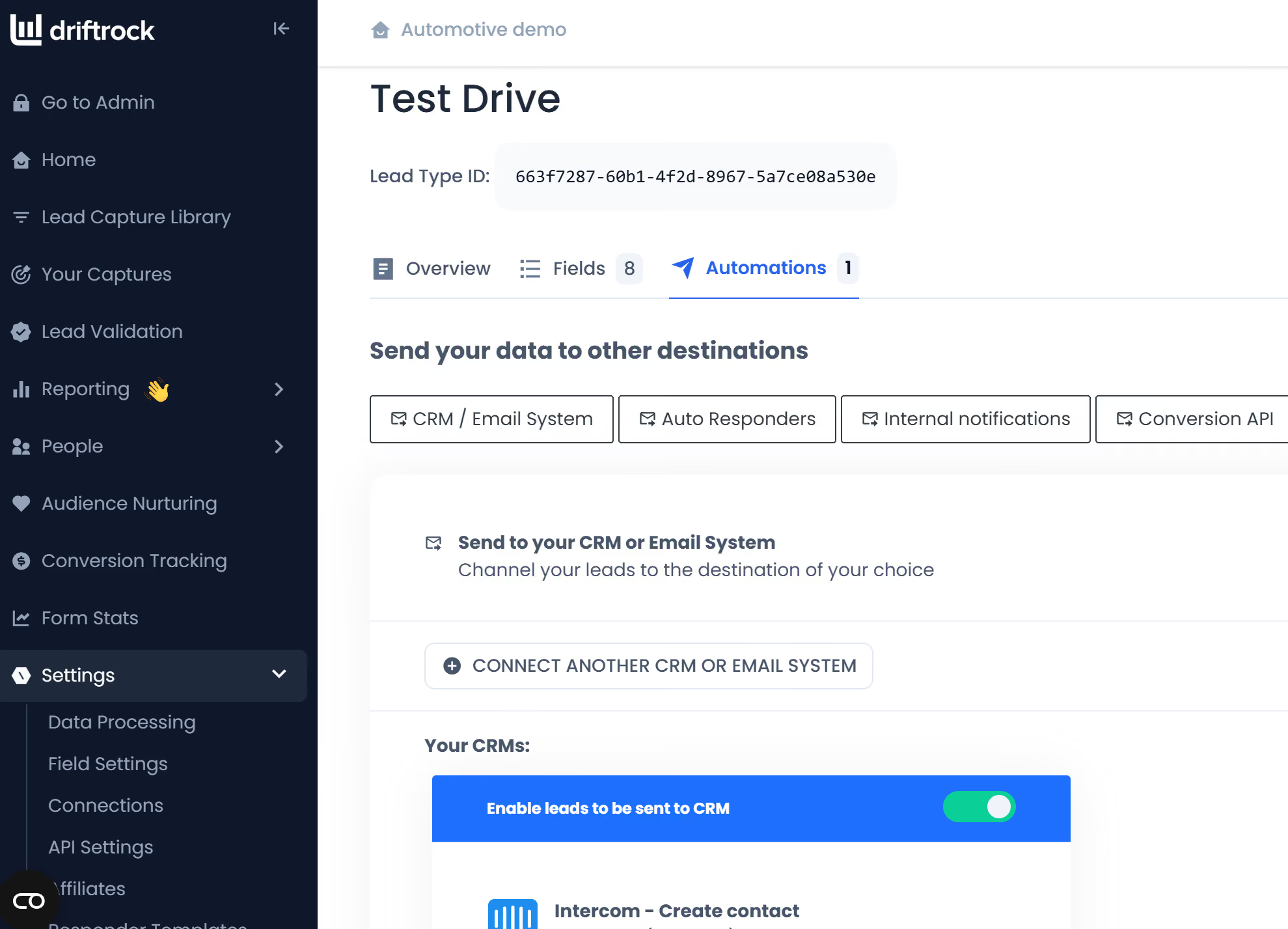
- Configure Automation: Select your CRM and set up the default mapping and any Lead Routing rules (e.g., routing to a specific dealer based on a postcode).
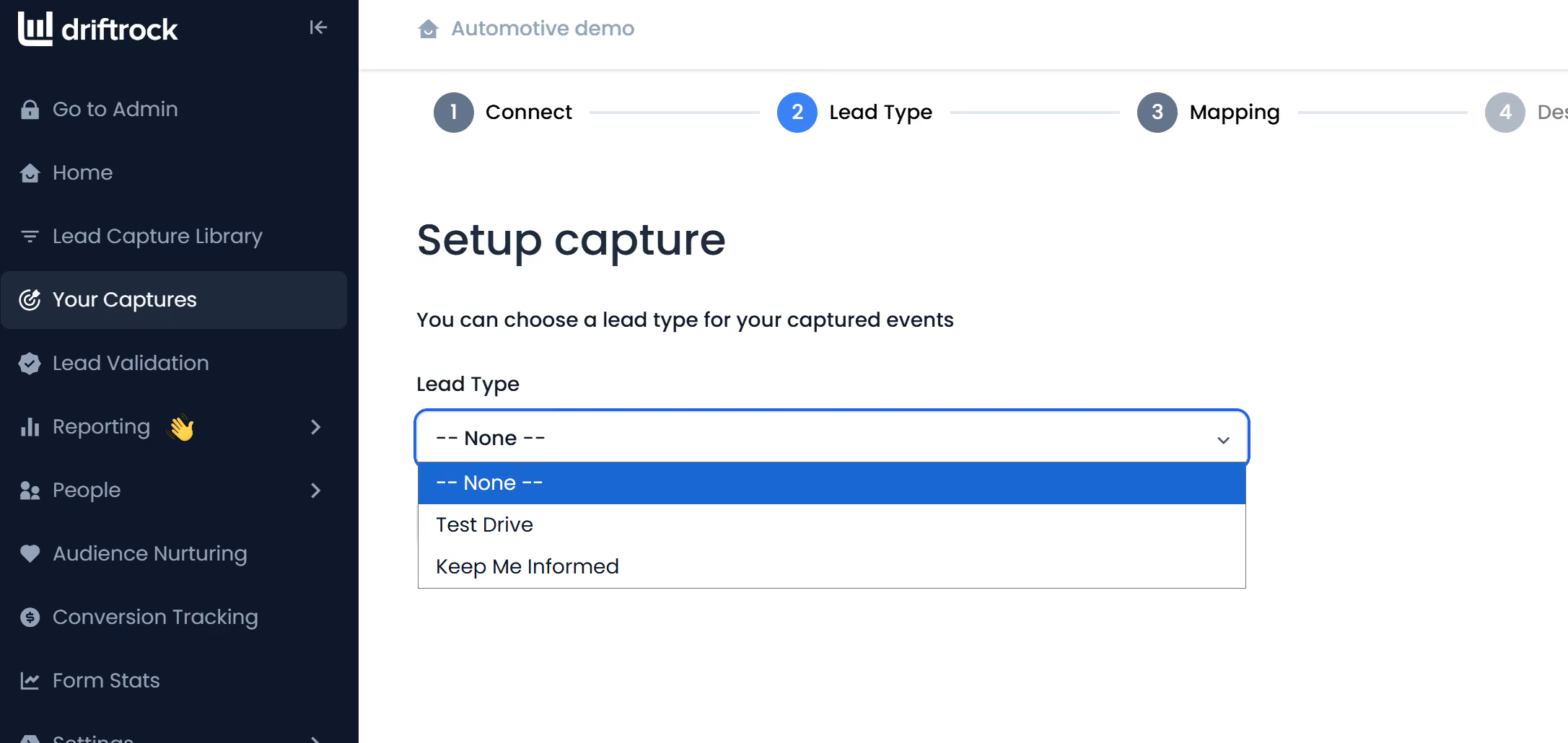
- Apply to a Capture: In the second stage of any new Capture build, select your desired Lead Type from the dropdown menu.
- Validate: Driftrock will highlight any missing fields based on your definition; map them to clear the errors and proceed.
Other considerations
- Feature Availability: This feature is currently behind a feature flag. If it is not visible in your settings, please contact your Driftrock account manager to be whitelisted.
- Retroactive Enforcement: If you update a Lead Type’s requirements later, Driftrock will scan all existing captures and flag any that no longer comply with the new standards.
- Enhanced Reporting: Implementing Lead Types improves your data analysis, allowing you to use "Lead Type" as a dimension in your reporting dashboards.
- User Access: Currently, any account user can create or edit Lead Types. Future updates may allow Admins to "lock" these templates to prevent accidental changes by other users.